---
title: HubSpot API Cheat Sheet (Developer-Friendly, Marketer-Readable)
description: The Only HubSpot API Cheat Sheet You Actually Need. This is how you use APIs without getting stuck in documentation.
image: https://www.computan.com/hubfs/ChatGPT%20Image%20Apr%2030%2c%202026%2c%2004_30_17%20PM.png
---
[Skip to main content!](https://www.computan.com/blog/hubspot-api-cheat-sheet-developer-friendly-marketer-readable#main_content)
[ ](https://www.computan.com/)
# HubSpot API Cheat Sheet (Developer-Friendly, Marketer-Readable)
6 Minutes Read | April 30, 2026
- [Tweet](https://twitter.com/share)
## You’re Not Hitting HubSpot’s Limits. You’re Hitting Your Own.
Most teams blame **HubSpot** when workflows break, data doesn’t sync, or attribution looks off. That’s not the issue.
You’re operating only in the UI while the control layer sits unused. That layer is the API.
If you can’t tell whether something needs a workflow, an integration, or an API call, you’re stuck waiting on someone else. That’s what slows GTM teams. Not tooling. Access.
## TL;DR
- HubSpot isn’t limiting you. Your setup is
- APIs unlock speed, accuracy, and scale
- You only need a few core use cases
- Most failures come from unclear requirements
- Operators who understand APIs move faster
## HubSpot Doesn’t Break. Your Operating Model Does.
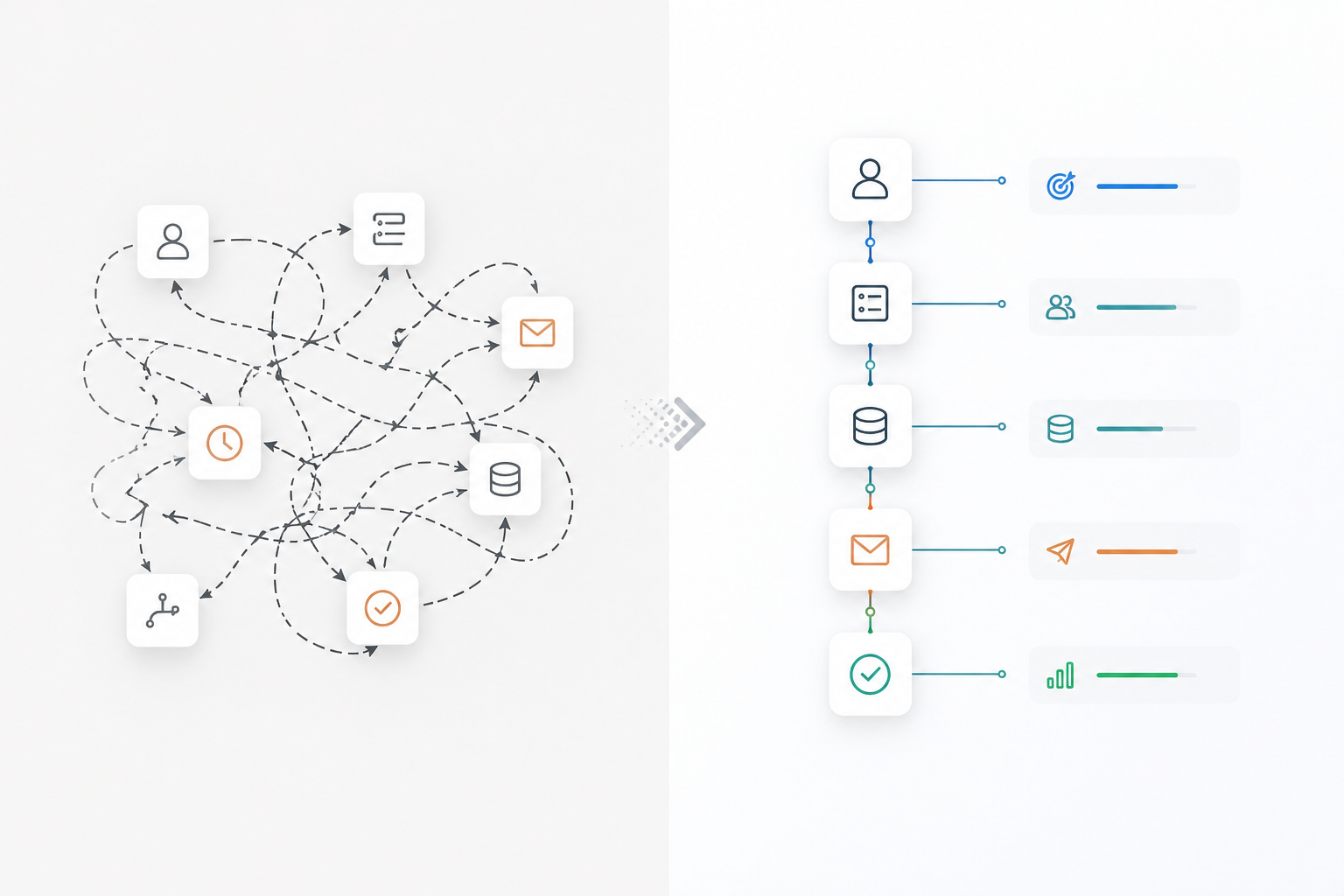
Workflows are useful until they aren’t. They handle simple logic inside HubSpot. The moment you depend on external data, real-time updates, or multi-step logic, they fail quietly. Most teams call this a HubSpot limitation. It isn’t. It’s a design problem.
APIs are the execution layer between systems. Without them, your CRM becomes a passive database.
Take lifecycle stages. Your product tracks activation. HubSpot doesn’t see it. The user qualifies, but nothing changes in the CRM.
With an API call, that same event updates a contact property, moves lifecycle stage, and triggers downstream actions instantly.
Same system. Different outcome.
## Most Teams Don’t Struggle With APIs. They Struggle With Clarity.
APIs feel complex because they’re explained poorly.
The system itself is simple:
- Objects store data
- Properties define fields
- Associations connect records
- Events track behavior
Once this clicks, APIs stop feeling technical. Where things break is translation. A marketer asks to “sync deals and contacts.” Engineering builds something. No one defines how those records should relate. Reporting breaks.
This isn’t an API issue. It’s a thinking issue.
## Stop Reading Docs. Start Mapping Use Cases.
Documentation tells you what exists. It doesn’t tell you what to do. Operators don’t need endpoints. They need outcomes.
Start here: “Update lead score when product usage crosses a threshold.”
Now the path is clear. You need product data, a contact update, and a trigger. This is how you use APIs without getting stuck in documentation.
### The Only HubSpot API Cheat Sheet You Actually Need
| Use Case | API | Method | Outcome |
| --- | --- | --- | --- |
| Update contact property | Contacts API | PATCH | Keep CRM aligned with external data |
| Create deal | Deals API | POST | Turn actions into pipeline instantly |
| Sync lifecycle stage | CRM Objects API | PATCH | Keep funnel tracking consistent |
| Associate records | Associations API | PUT | Maintain reporting accuracy |
| Track behavior | Events API | POST | Capture what HubSpot doesn’t track |
| Bulk update | Batch API | POST | Handle scale without breaking systems |
| Trigger automation | Workflows API | POST | Control workflows externally |
---
## Most Teams Misuse Workflows, Zapier, and APIs
These tools are not interchangeable. Workflows are reliable for simple internal logic. Use them when everything lives inside HubSpot.
**Zapier** and similar tools are fine for quick setups. They break under scale, introduce delays, and fail silently.
APIs are not a convenience layer. They are the control layer.
- Use workflows for simple logic
- Use integration tools for speed
- Use APIs when accuracy, scale, and timing matter
Example: webinar attendance.
Zapier sync introduces delays and missed updates. API batch updates process everything instantly and consistently. This is not optimization. It’s choosing the right layer.
## APIs Fix Real GTM Problems
APIs are not technical upgrades. They fix operational gaps. Product-qualified leads don’t exist in HubSpot until you push product data in. APIs make that happen in real time. Offline conversions don’t improve ad performance unless they’re sent back to the source. APIs close that loop. Attribution doesn’t break because of reporting. It breaks because key events are missing. APIs let you track them. Every one of these problems looks different. The solution is the same. Move the right data at the right time.
## API Projects Don’t Fail Because of Code
They fail because no one defines what should happen. “Sync product data into HubSpot” is not a requirement. It’s vague and untestable. Without clarity, engineering fills the gaps. That’s where systems break.
Then the real issues show up:
- Rate limits hit unexpectedly
- Fields are named inconsistently
- Data structures conflict across teams
Example: two teams define “Lead Source” differently. The API sync works. Data gets overwritten. Reporting becomes unreliable. The failure isn’t technical. It’s structural.
## If You Can’t Define It, You Can’t Build It
The leverage is not in writing API calls. It’s in defining behavior clearly.
### Operator Spec Template
- Object
- Action
- Trigger
- Fields
- Expected result
Bad brief: “Sync product data.”
Usable brief: “Update ‘Last Active Date’ when a user logs in. Trigger within 5 minutes. Increase score and notify owner.”
That’s how systems get built correctly the first time.
## APIs Are Not a Developer Tool. They’re a GTM Advantage.
Most teams treat APIs as a last resort. The best teams treat them as default. You don’t need to master everything. You need to understand enough to remove bottlenecks and move without waiting.
If your RevOps team can’t think in APIs, you’re not scaling. You’re compensating.
## FAQs
### What is the HubSpot API used for?
It allows you to create, update, and sync CRM data across systems in real time. It connects HubSpot with product, sales, and marketing tools.
### Do marketers need to learn APIs?
They don’t need to code. They need to understand what APIs can do so they can define requirements clearly and reduce dependency on engineering.
### When should I use workflows vs APIs?
Use workflows for simple internal logic. Use APIs when data comes from outside HubSpot, when timing matters, or when volume increases.
### Why do HubSpot integrations fail?
Most failures come from unclear requirements, inconsistent data structures, and over-reliance on middleware tools.
### Can APIs replace tools like Zapier?
Yes in many cases. APIs are faster, more reliable, and better suited for scale.
### What is the biggest mistake teams make?
Treating APIs as a technical problem instead of defining what should happen clearly.
Tags Label: [HubSpot](https://www.computan.com/blog/topic/hubspot)

### About Author [Simranjeet Singh](https://www.computan.com/blog/author/simranjeet-singh)
Skilled in marketing automation, email marketing, SEO, content strategy, and social media marketing focused on building data-driven digital marketing systems that deliver measurable results.
[
Previous Post
#### Fast Code, Broken Code: The AI Problem No One’s Fixing
](https://www.computan.com/blog/fast-code-broken-code-the-ai-problem-no-ones-fixing)
[
Next Post
#### HubSpot Workflow Templates Are Breaking Your GTM
](https://www.computan.com/blog/hubspot-workflow-templates-are-breaking-your-gtm)
### Better Lorem Ipsum Generator
Better Lorem Ipsum Generator is yet another dummy content generator for HubSpot.
### Subscribe Here!
### Recent Posts
### Posts by Tag
- [HubSpot (177)](https://www.computan.com/blog/topic/hubspot)
- [Blog (114)](https://www.computan.com/blog/topic/blog)
- [Computan Team (90)](https://www.computan.com/blog/topic/computan-team)
- [Web Development (84)](https://www.computan.com/blog/topic/web-development)
- [Ecommerce (62)](https://www.computan.com/blog/topic/ecommerce)
- [WordPress (61)](https://www.computan.com/blog/topic/wordpress)
- [Integrations (44)](https://www.computan.com/blog/topic/integrations)
- [Web Design (38)](https://www.computan.com/blog/topic/web-design)
- [RevOps (28)](https://www.computan.com/blog/topic/revops)
- [App Development (20)](https://www.computan.com/blog/topic/app-development)
- [Featured (1)](https://www.computan.com/blog/topic/featured)
- [Shopify (1)](https://www.computan.com/blog/topic/shopify)
[See all](https://www.computan.com/blog/hubspot-api-cheat-sheet-developer-friendly-marketer-readable#)
```json
{
"@context" : "https://schema.org",
"@id" : "https://www.computan.com/blog/hubspot-api-cheat-sheet-developer-friendly-marketer-readable#webpage",
"@type" : "WebPage",
"about" : {
"@id" : "https://www.computan.com/#organization"
},
"breadcrumb" : {
"@id" : "https://www.computan.com/blog/hubspot-api-cheat-sheet-developer-friendly-marketer-readable#breadcrumb"
},
"isPartOf" : {
"@id" : "https://www.computan.com/#website"
},
"name" : "HubSpot API Cheat Sheet (Developer-Friendly, Marketer-Readable)",
"primaryImageOfPage" : {
"@type" : "ImageObject",
"url" : "https://digitalmarketing.computan.com/hubfs/ChatGPT%20Image%20Apr%2030%2c%202026%2c%2004_30_17%20PM.png"
},
"url" : "https://www.computan.com/blog/hubspot-api-cheat-sheet-developer-friendly-marketer-readable"
}
```
```json
{
"@context" : "https://schema.org",
"@id" : "https://www.computan.com/blog/hubspot-api-cheat-sheet-developer-friendly-marketer-readable#blogposting",
"@type" : "BlogPosting",
"author" : {
"@type" : "Person",
"name" : "Simranjeet Singh"
},
"dateModified" : "2026-04-30T11:01:11+0000",
"datePublished" : "2026-04-30T11:01:11+0000",
"description" : "The Only HubSpot API Cheat Sheet You Actually Need. This is how you use APIs without getting stuck in documentation.",
"headline" : "HubSpot API Cheat Sheet (Developer-Friendly, Marketer-Readable)",
"image" : "https://digitalmarketing.computan.com/hubfs/ChatGPT%20Image%20Apr%2030%2c%202026%2c%2004_30_17%20PM.png",
"mainEntityOfPage" : {
"@id" : "https://www.computan.com/blog/hubspot-api-cheat-sheet-developer-friendly-marketer-readable#webpage"
},
"publisher" : {
"@id" : "https://www.computan.com/#organization"
}
}
```
```json
{
"@context" : "https://schema.org",
"@id" : "https://www.computan.com/blog/hubspot-api-cheat-sheet-developer-friendly-marketer-readable#breadcrumb",
"@type" : "BreadcrumbList",
"itemListElement" : [ {
"@type" : "ListItem",
"item" : "https://www.computan.com/",
"name" : "Home",
"position" : 1
}, {
"@type" : "ListItem",
"item" : "https://www.computan.com/blog",
"name" : "Blog",
"position" : 2
}, {
"@type" : "ListItem",
"item" : "https://www.computan.com/blog/hubspot-api-cheat-sheet-developer-friendly-marketer-readable",
"name" : "HubSpot API Cheat Sheet (Developer-Friendly, Marketer-Readable)",
"position" : 3
} ]
}
```