TL;DR
- Most HubSpot issues come from unstructured workflows
- Templates without context create duplication
- A workflow library is a system, not a list
- Lifecycle, routing, and attribution workflows matter most
- Fix by consolidating, not adding more
Your HubSpot workflows aren’t scaling your GTM. They’re quietly breaking it.
You don’t notice it early.
At 10 workflows, things feel fine.
At 30, cracks show up.
At 70+, no one knows what anything does and no one wants to touch it.
Lifecycle stages stop matching. Routing gets inconsistent. Attribution turns into an argument. This isn’t an automation gap. This is what happens when you build workflows without a system. And most “workflow templates” make it worse.
You don’t have an automation problem. You have a systems problem.
Most workflows are created to solve a request. Sales wants faster routing. Marketing wants lifecycle updates. Ops wants cleanup logic. Each workflow makes sense on its own. Together, they don’t. The problem is overlap.
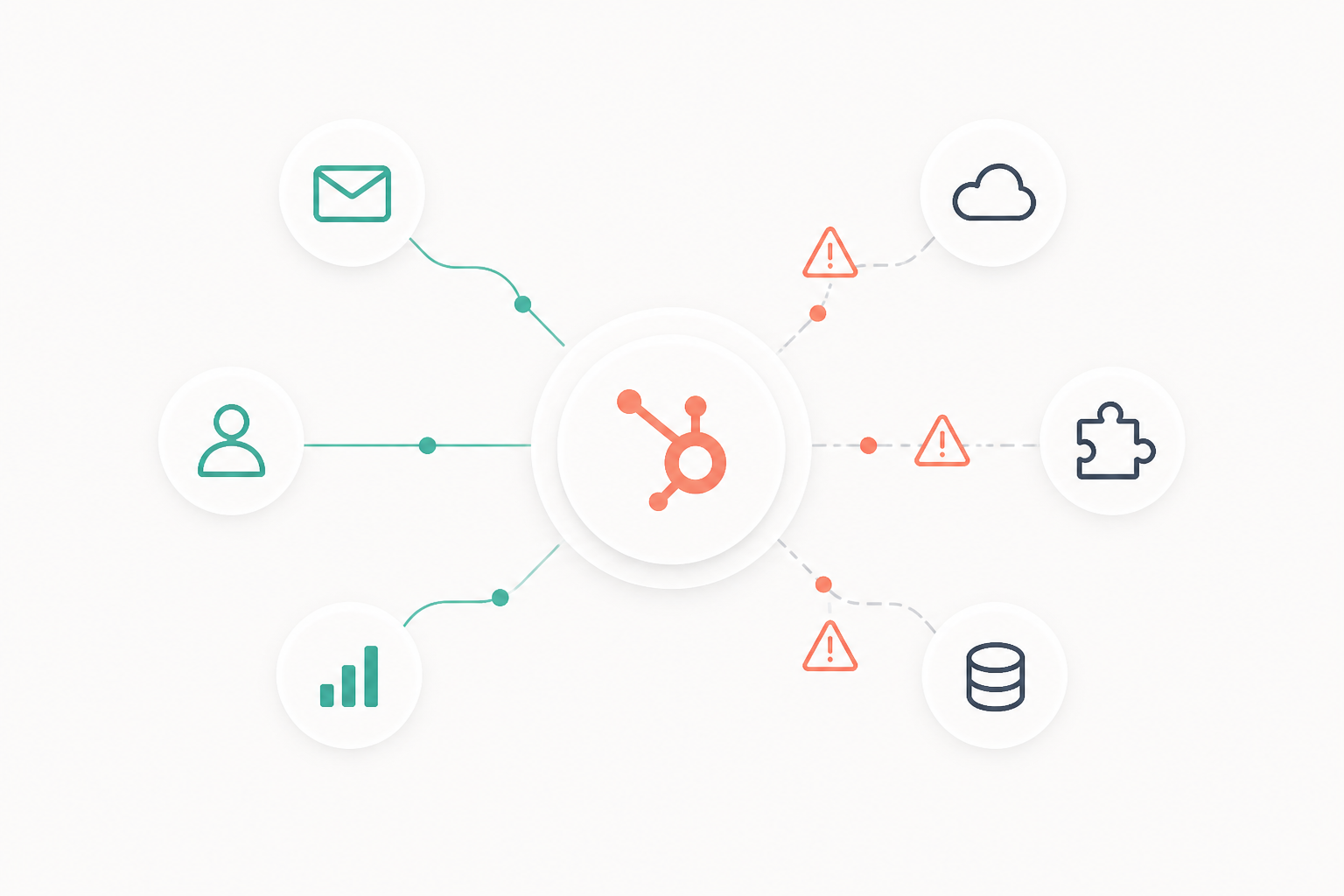
Multiple workflows end up updating the same fields, triggering on similar conditions, and running in no defined order. Now your system has conflicting logic with no owner. This is when reporting breaks.
Marketing sees an MQL. Sales sees a lead. Both are correct because different workflows made different decisions. That’s not a HubSpot issue. That’s bad system design.
Most workflow templates accelerate chaos
Template libraries look useful. They’re not. They give you isolated automations without context. Your system isn’t isolated. Templates don’t tell you what they override. They don’t tell you when they should run. They don’t tell you what they conflict with. So teams install them into already messy systems.
Now you have duplication on top of duplication.
A common example: a routing template assigns leads on form submission. But enrichment runs after. The lead gets assigned with incomplete data and ends up in the wrong territory.
The workflow worked. The system failed.
Workflows are infrastructure, not features
If you treat workflows like features, you keep adding more. If you treat them like infrastructure, you start controlling them. A workflow library is not a list. It’s a system.
It’s organized around outcomes:
- Lifecycle control
- Lead routing
- Data hygiene
- Attribution
- Pipeline automation
This forces a shift.
You don’t let five workflows update lifecycle stage. You define one owner. You don’t let every workflow assign leads. You centralize routing. Workflows stop competing and start behaving like a system.
What a real workflow library looks like
A good system removes guesswork. Every workflow has a clear name and role.
No “Workflow v2”. No “Test automation”.
You see names like:
- Lifecycle – MQL Promotion – Score Threshold
- Routing – Inbound Leads – Form Submission
Structure follows function, not teams. Lifecycle workflows sit together. Routing workflows sit together. Duplication becomes obvious. Ownership is clear. One person owns lifecycle logic. Another owns routing. Not everyone touches everything. And most importantly, workflows don’t override each other.
A lifecycle workflow sets the stage. Routing reads it. It doesn’t change it. That boundary is what keeps the system stable.
The workflows that actually control your GTM
Most workflows don’t matter much. A few control everything.
When these break, your entire system breaks.
- Lifecycle workflows: Multiple workflows updating stages creates inconsistent funnel data.
- Routing workflows: Assignment runs before qualification or enrichment, leading to bad ownership.
- Data hygiene workflows: Inconsistent formatting breaks segmentation and reporting.
- Attribution workflows: Source fields get overwritten, killing trust in marketing data.
These aren’t automations. They’re control systems. If they’re not designed properly, nothing else matters.
Once lifecycle, routing, and attribution workflows are stable, AI becomes useful. Not for replacing workflows, but for interpreting what those workflows produce. That is exactly how modern RevOps teams are replacing Monday reporting in “HubSpot AI Workflows That Replace Manual Reporting."
Fix the system without rebuilding everything
You don’t need a new portal. You need control. Start with an audit. Group workflows by what they do, not what they’re called. You’ll find overlap fast, especially around lifecycle and ownership. Then define a source of truth. One workflow owns lifecycle. One owns routing. Everything else supports or gets removed. This is where most teams hesitate. They’re afraid to delete workflows. But keeping conflicting logic is what’s already breaking the system.
Once cleaned up, add basic governance.
New workflows don’t get created freely. They’re added with a defined role. One team reduced ~80 workflows to ~30 and didn’t lose functionality. They removed duplication. Reporting fixed itself.
Templates don’t scale. Systems do.
What actually scales is control. Knowing what each workflow owns. Knowing what it should never touch. That’s what turns HubSpot into an operating system. If your workflows aren’t designed as a system, you’re not automating operations. You’re automating confusion.
Once workflows are governed properly, the next bottleneck is usually integrations. Slack, product data, enrichment tools, and billing systems can quietly reintroduce conflicts if they are not designed with the same ownership model. We break down the most common sync failures in “HubSpot Integrations RevOps Teams Actually Use And the Mistakes That Break Them.
FAQ
What is a HubSpot workflow library?
A structured system of workflows organized by function with clear ownership and no overlapping logic. It ensures workflows don’t conflict and keeps your GTM data reliable.
How many workflows should you have in HubSpot?
Most teams operate well with 20 to 40 structured workflows. Problems start when the number grows without control or ownership.
Why do HubSpot workflows conflict?
Because multiple workflows update the same properties without coordination. This creates overwrites, inconsistencies, and unreliable reporting.
Should lifecycle stages be controlled by workflows?
Yes, but by one primary workflow. Multiple lifecycle workflows will break your funnel data.
Are HubSpot workflow templates useful?
Only if adapted into a system. Used as-is, they usually create duplication and conflicts.