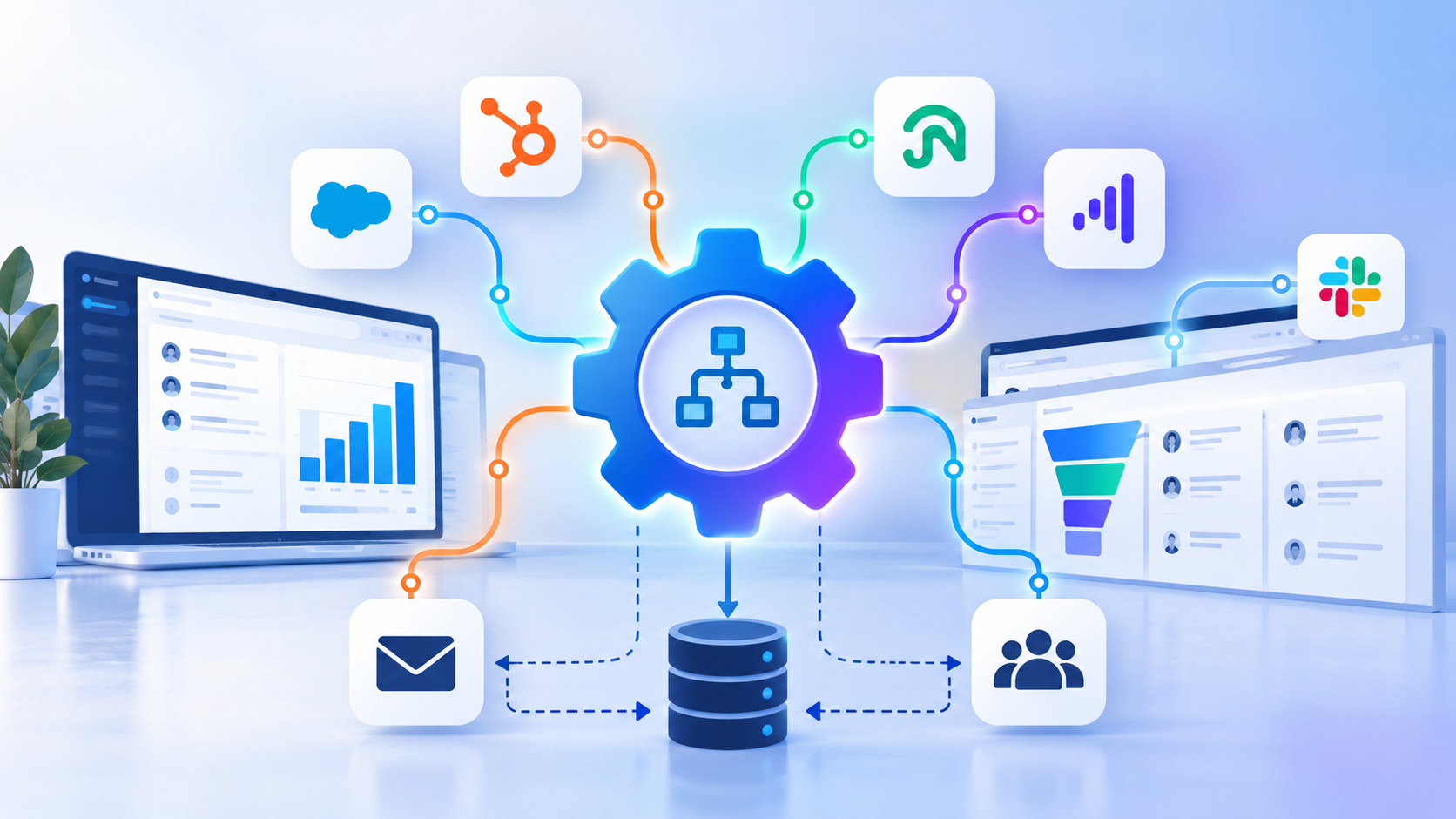
The best CMS partner is not the one that builds the most attractive website. It is the one that makes the website work inside your CRM, marketing automation, analytics, and sales workflows.
TL;DR
- The right CMS development agency connects your website to the CRM, automation, and reporting systems your team relies on, not just the design.
- Evaluate agencies on six criteria: CMS expertise, CRM integration depth, B2B conversion strategy, SEO and AI search readiness, migration experience, and long-term support.
- HubSpot CMS and WordPress can both work for CRM-integrated sites. The right choice depends on your requirements, existing systems, and internal capabilities.
- Ask for relevant case studies and for how each agency measured the outcome, rather than relying on service lists or portfolio visuals.
- Clear ownership of integrations after launch is one of the most overlooked factors in choosing a partner.
Why Your CMS Agency Choice Matters Beyond the Website
A B2B website has to do more than publish content and generate traffic. Every form submission, page view, and conversion event should feed a system where marketing can nurture the lead and sales can act on it. That connection runs through the CMS, the CRM, marketing automation, analytics, and your sales workflows, and a weakness in any one link affects the rest.
The stakes are higher in B2B because buying is rarely a one-person decision. Gartner research, as cited by LeanData, puts the typical buying group for a complex B2B solution at 6 to 10 decision makers.[1] Each person researches on their own, so your website has to serve several stakeholders and record what each one does.
Choosing among CMS development agencies on design and price alone creates real risk. A partner that handles the website but overlooks the connected systems can leave you with:
- Forms that create duplicate or incomplete CRM records.
- Lifecycle stages and lead sources that never reach the sales team.
- Broken tracking that hides which pages actually produce pipeline.
- Integrations that nobody owns once the project ends.
This guide gives you the criteria, a comparison framework, and the questions to ask before you hire.
What Makes a CMS Development Agency Right for a B2B Business?
The strongest CMS development agencies combine platform skill with an understanding of how B2B revenue teams work. Look for these capabilities:
- CMS development expertise: experience building scalable, maintainable websites on the platform you plan to use.
- CRM integration capabilities: connecting forms, contacts, companies, lifecycle stages, and lead data.
- Marketing automation integration: making sure website activity supports relevant follow-ups and nurturing.
- B2B website strategy: designing journeys for multiple stakeholders, longer sales cycles, and complex buying decisions.
- Ongoing technical support: handling migrations, performance improvements, and evolving integration requirements.
The 6 Criteria to Evaluate Before Choosing a CMS Agency
Use these six criteria in every proposal review and discovery call.
1. CMS Platform Expertise
Platform fluency shows up in the details of how an agency builds. Ask whether the agency specializes in HubSpot CMS, WordPress, or other content management systems, and whether it understands where each platform has limits.
- Can it work with custom modules, themes, templates, and structured content?
- Does it understand the platform's limitations and integration options?
- Can it show maintainable code and documentation, not just finished pages?
2. CRM and Marketing Integration Depth
This is where many projects succeed or quietly fail. Connecting a form to a CRM is simple. Keeping the data clean is the real work.
- Can the agency connect website forms and conversion events to the CRM?
- How does it handle field mapping, duplicate records, data validation, and synchronization?
- Can it troubleshoot integration failures and API-related issues?
HubSpot, for example, automatically deduplicates contacts by email address and companies by domain name,[2] but anything beyond those defaults, such as non-standard forms or custom sync rules, needs deliberate planning. The cost of getting this wrong can be significant. Gartner estimates that poor data quality costs organizations an average of $12.9 million a year.[3] That figure covers data across the whole business, not just websites, but it shows why accuracy at the point of capture deserves attention.
3. B2B Website Conversion Strategy
A good-looking site that does not guide buyers to a next step will not support your pipeline. Integrated marketing websites are built around the buyer journey, from first visit to sales conversation.
- Does the agency understand service pages, industry-specific landing pages, case studies, and lead-generation paths?
- Can it build integrated marketing websites that support the buyer journey?
- How does it connect calls to action with the next step in the sales process?
4. SEO, Analytics, and AI Search Readiness
Search behavior is changing, and your agency should be planning for it. In a Pew Research Center analysis of March 2025 browsing data, Google users clicked a traditional result link in 8% of visits when an AI summary appeared, compared with 15% of visits when none appeared.[4] Fewer clicks make every visit, and every tracked conversion, more valuable.
- Does the agency consider technical SEO, structured data, page speed, and crawlability?
- Can it implement reliable conversion and campaign tracking?
- Can it prepare content and site architecture for evolving search experiences, including AI search?
Google's own guidance says there are no special technical requirements for appearing in its AI features. It points to basics such as making content easy to find through internal links and making sure structured data matches the visible text on the page.[5] In other words, strong fundamentals still do most of the work.
5. Migration and Integration Experience
Platform moves put search visibility, content, and data at risk. Google's site move guidance recommends preparing a URL mapping from old URLs to new ones and expecting temporary ranking fluctuation during the transition.[6] It also notes that permanent redirects do not cause a loss in PageRank when implemented correctly.
- Can the agency migrate existing websites without unnecessarily disrupting URLs, search visibility, or content?
- Can it connect legacy systems with the new CMS and CRM?
- Does it have a process for testing data integrity and integrations before launch?
6. Long-Term Support and Development Flexibility
A website is never finished. New integrations, new offers, and new CRM requirements will arrive after launch.
- Can the partner support the website after launch?
- Can it add new integrations and features as the business grows?
- Can it collaborate with in-house marketing, sales, and IT teams?
Comparing CMS Development Agencies: What Should You Look For?
A side-by-side table keeps the evaluation practical. Score each agency against the same criteria, using evidence rather than impressions.
| Evaluation criteria | What to look for |
|---|---|
| CMS expertise | Demonstrated experience with your chosen platform |
| CRM integration | Proven examples of connected website and CRM workflows |
| B2B experience | Relevant projects, buying journeys, and conversion paths |
| SEO and analytics | Technical SEO, tracking, and conversion measurement |
| Migration capability | Documented migration and testing processes |
| Ongoing support | Clear ownership, maintenance, and improvement options |
Agency comparisons should rest on relevant evidence, not on service lists, portfolio visuals, or platform badges. A polished portfolio shows what an agency can design. Case studies with measured outcomes show what it can deliver.
HubSpot CMS vs. WordPress: Which Is Better for a CRM-Integrated Website?
Both content management systems can power a CRM-integrated B2B site. Independent comparisons generally conclude there is no outright winner: WordPress is open source and highly flexible, while HubSpot's CMS gives up some control and costs more, in exchange for a more unified platform.[7] The better fit depends on how your team works.
When HubSpot CMS Makes Sense
- Your marketing team relies heavily on HubSpot CRM and marketing automation.
- You want website content, forms, and CRM data to work closely together.
- You prefer a more unified marketing platform. HubSpot positions its CMS as cloud-hosted, which removes plugin maintenance from your IT team's list.[8]
When WordPress Makes Sense
- You need flexibility over website architecture, plugins, and custom development.
- Your business uses a broader mix of marketing and operational tools.
- You want to connect WordPress to HubSpot or another CRM through APIs and integrations. The official HubSpot plugin covers forms, tracking, and live chat with basic CRM sync, though teams that need multi-step forms, conditional logic, or payment integrations often move to a dedicated form plugin connected through the HubSpot API.[9]
When a Hybrid Integration Approach Works Best
- Your CMS and CRM serve different purposes.
- Your existing technology stack cannot easily be replaced.
- You need custom integrations to connect forms, customer data, and business workflows.
The right platform depends on business requirements, existing systems, internal capabilities, and future plans, not on a universal ranking.
Questions to Ask a CMS Development Agency Before Hiring
Bring this checklist to your discovery calls:
- Can you show examples of CMS websites integrated with a CRM?
- How do you handle custom integrations and API limitations?
- How do you protect data quality during migration?
- How will we measure the website's contribution to leads and pipeline?
- Who owns the integrations and supports them after launch?
- What happens when our CRM, CMS, or marketing automation requirements change?
Always request relevant case studies, and ask how the agency measured the outcome of each project.
Common Mistakes When Choosing a CMS Development Partner
- Selecting an agency based only on design or development cost.
- Assuming native CMS integrations will meet every requirement.
- Treating the CRM connection as an afterthought.
- Ignoring analytics, conversion tracking, and data governance.
- Overlooking migration risks and ongoing support.
- Choosing separate vendors without clear ownership of the complete system.
How Computan Helps Build CRM-Integrated B2B Websites
Computan is a HubSpot agency and web development company that works with marketing agencies, in-house marketing teams, and growing businesses. Our work sits where the website meets the CRM, which is exactly where many projects struggle.
- CMS development: building and extending websites around business and marketing requirements.
- HubSpot CMS and CRM integrations: connecting website experiences with CRM data and workflows.
- WordPress development: supporting flexible, custom website implementations.
- CMS migrations: helping businesses transition platforms while accounting for content, functionality, and integrations.
- Ongoing development and integration support: evolving the website alongside the company's marketing technology stack.
Planning a new B2B website or improving an existing CMS and CRM setup? Talk to Computan about your development and integration requirements.
Final Checklist for Choosing the Right CMS Development Agency
Before you sign with any of the CMS development agencies on your shortlist, confirm each of these:
- Proven experience with your CMS platform
- Demonstrated CRM and marketing integration expertise
- Understanding of B2B lead generation and conversion journeys
- SEO and analytics capabilities
- A clear migration and testing process
- Ongoing technical support
- Relevant case studies and a transparent delivery approach
The right agency understands both the website and the systems that make it useful to your business.
Sources:
[1] LeanData: Buying Groups and Today's B2B Go-to-Market Motions
[2] HubSpot Knowledge Base: Deduplicate records in HubSpot
[3] Verato: Gartner Data Quality Resources (citing Gartner research)
[4] Pew Research Center: Google users are less likely to click on links when an AI summary appears in the results
[5] Google Search Central: AI features and your website
[6] Google Search Central: Site moves with URL changes
[7] Website Rating: HubSpot CMS vs WordPress
[8] Capterra: WordPress vs HubSpot Content Hub Comparison
[9] Fat Lab Web Support: HubSpot WordPress Integration
Frequently Asked Questions
What should I look for in CMS development agencies for a B2B website?
Look for proven platform expertise, CRM and marketing automation integration experience, an understanding of B2B buyer journeys, SEO and analytics skills, a documented migration process, and ongoing support. Ask for relevant case studies that show measured outcomes.
Why does CRM integration matter when choosing a CMS agency?
The website is where most leads are captured, so the CRM connection determines whether that data arrives complete, accurate, and ready for follow-up. Poor integration can cause duplicate records, missing lead sources, and broken reporting.
Is HubSpot CMS or WordPress better for a CRM-integrated website?
Neither is universally better. HubSpot CMS suits teams that want a unified platform built around HubSpot CRM, while WordPress suits teams that need flexible architecture and custom development, and it can connect to HubSpot through plugins and APIs.
Can WordPress integrate with HubSpot CRM?
Yes. The official HubSpot plugin handles forms, tracking, and live chat, and more complex needs can be met with form plugins and custom API integrations.
How do I protect SEO when migrating to a new CMS?
Map every old URL to its new destination, implement permanent redirects, test before launch, and monitor search performance afterward. Expect some temporary ranking fluctuation, as Google's site move guidance notes.
Do I need special markup to appear in Google's AI search features?
Google states there are no additional technical requirements for its AI features. Crawlable pages, strong internal linking, helpful content, and structured data that matches visible text remain the foundation.
Who should own CMS and CRM integrations after launch?
Ownership should be defined before the project starts. Ideally one partner is accountable for the full system, including maintenance and changes when your CRM, CMS, or automation requirements evolve.
How do I compare CMS development agencies fairly?
Score each agency against the same criteria: CMS expertise, CRM integration, B2B experience, SEO and analytics, migration capability, and ongoing support. Base scores on case studies and process documentation rather than service lists or portfolio visuals.