---
title: "Custom AI vs HubSpot Native AI: When Should You Build Your Own Integration?"
description: Learn when to use HubSpot native AI and when to build custom AI integrations. A practical framework with workflows, architecture, and implementation steps.
image: https://www.computan.com/hubfs/ChatGPT%20Image%20Mar%2012%2c%202026%2c%2009_21_54%20PM.png
---
[Skip to main content!](https://www.computan.com/blog/custom-ai-vs-hubspot-native-ai-when-should-you-build-your-own-integration#main_content)
[ ](https://www.computan.com/)
# Custom AI vs HubSpot Native AI: When Should You Build Your Own Integration?
6 Minutes Read | March 12, 2026
- [Tweet](https://twitter.com/share)
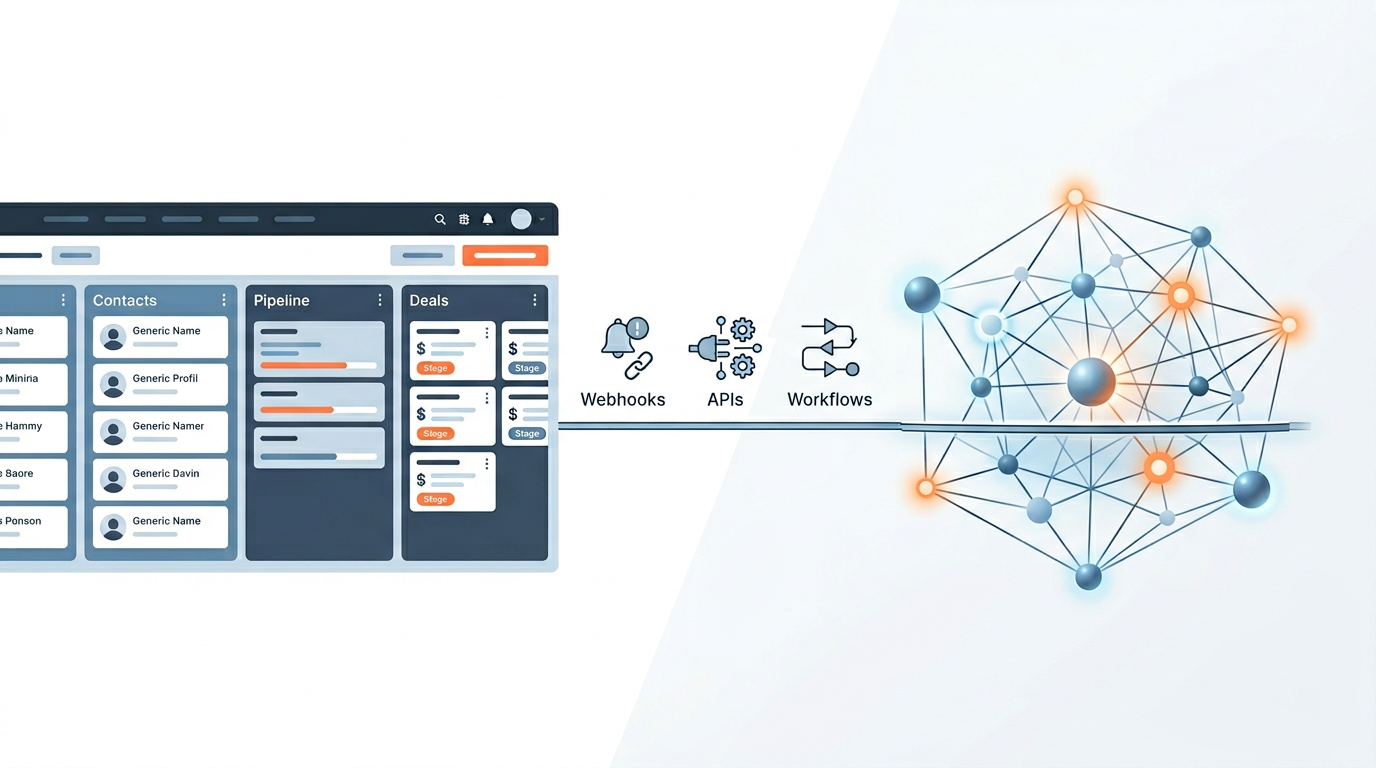
AI is now embedded across sales, marketing, and revenue operations. Platforms like HubSpot are rapidly integrating AI capabilities such as content generation, workflow automation, and CRM insights. At the same time, companies are building their own AI integrations to support more complex workflows across their tech stacks.
For RevOps teams and marketing leaders, the question is no longer *"Should we use AI?"* but rather:
**Should we rely on HubSpot’s native AI features or build custom AI integrations?**
This guide provides a practical framework to help you decide when HubSpot AI is enough and when a custom AI architecture makes more sense.
## TL;DR
If you're short on time, here's the quick decision framework.
| Scenario | Recommended Approach |
| --- | --- |
| AI email writing or content generation | HubSpot Native AI |
| CRM summaries and meeting insights | HubSpot Native AI |
| Lead scoring using external datasets | Custom AI Integration |
| AI-driven sales forecasting | Custom AI Integration |
| Multi-platform revenue automation | Custom AI Integration |
**Rule of thumb:** If your workflows mostly live inside HubSpot, native AI works well. If your workflows span multiple systems or require advanced decision logic, a custom AI integration is often the better option.
## The AI Landscape Inside HubSpot
HubSpot has rapidly expanded its AI capabilities across its CRM platform. These tools are designed to help teams automate routine tasks and increase productivity inside marketing and sales workflows.
### Examples of HubSpot Native AI Features
- AI-powered email and content generation
- Conversation and meeting summaries
- AI chatbot assistance
- CRM insights and recommendations
- Sales email personalization
These tools are optimized for workflows that happen directly inside the HubSpot ecosystem. The goal is to help users create content faster, analyze CRM activity, and automate simple actions.
However, HubSpot AI is primarily designed as an **assistive layer**. It helps users complete tasks faster but does not always support advanced AI decision engines or cross-platform automation.
## What “Custom AI Integration” Actually Means
A custom AI integration is not simply connecting ChatGPT to your CRM. In most cases, it means building an AI-powered workflow layer that interacts with multiple systems, analyzes data, and triggers automated actions.
Examples include:
- Predictive lead scoring based on multiple data sources
- AI-based deal forecasting
- Automated pipeline risk detection
- AI routing for leads across territories
- Customer health scoring models
Custom AI systems typically combine APIs, CRM data, and machine learning models to support complex revenue operations workflows.
## The Core Decision Framework
Before building any AI system, teams should evaluate the complexity of their revenue workflow and the location of their data.
### 1. Where Does Your Data Live?
If most of your data exists inside HubSpot, native AI features may be sufficient.
If your data is spread across systems like:
- Product analytics platforms
- Customer support systems
- Data warehouses
- Third-party enrichment tools
Then a custom AI integration becomes more useful because it can combine multiple datasets.
### 2. How Complex Are Your Workflows?
Simple workflow example:
```
New lead → Send follow-up email
```
Advanced workflow example:
```
New lead captured
↓
Data enrichment
↓
AI qualification score
↓
Route to correct SDR
↓
Create opportunity
↓
Update revenue forecast
```
Complex workflows often require AI models that operate outside the standard CRM automation layer.
### 3. Do You Need AI Decision Making?
HubSpot AI mostly helps users generate content or insights. Custom AI integrations can go further by automating decision processes.
Examples include:
- Automatically qualifying leads
- Detecting churn risk
- Predicting deal probability
- Optimizing outreach timing
### 4. Compliance and Data Control
Organizations in industries such as finance, healthcare, or enterprise SaaS often require more control over how AI systems process data. Custom integrations can support private models, secure APIs, and compliance frameworks.
### 5. Cost vs Flexibility
| Factor | HubSpot Native AI | Custom AI |
| --- | --- | --- |
| Setup time | Hours or days | Weeks or months |
| Customization | Limited | Highly flexible |
| Maintenance | Low | Moderate |
| Infrastructure | Included in platform | Requires architecture planning |
## Example AI Workflows
### Workflow 1: Native HubSpot AI
```
Lead submits form
↓
HubSpot AI generates follow-up email
↓
Sales rep reviews and sends
```
### Workflow 2: Hybrid AI Architecture
```
Lead captured
↓
Data enrichment API
↓
AI lead scoring
↓
HubSpot workflow updates score
↓
Lead assigned to SDR
```
### Workflow 3: Full Custom AI System
```
Sales call transcript
↓
AI analyzes buying signals
↓
Deal probability calculated
↓
CRM forecast updated
↓
Executive dashboard updated
```
## Implementation Steps
### Step 1: Map Your Revenue Workflow
Document every step from lead capture to deal closure.
### Step 2: Identify AI Opportunities
Look for repetitive or data-heavy decisions such as lead qualification or forecasting.
### Step 3: Choose an Integration Layer
Options may include:
- HubSpot workflows
- HubSpot custom code actions
- Integration middleware
- Custom API services
### Step 4: Build the AI Pipeline
A typical architecture may include:
- HubSpot CRM
- Middleware service
- AI model APIs
- Data warehouse
### Step 5: Deploy and Monitor
Track performance metrics such as conversion rate improvements, pipeline velocity, and AI accuracy.
## Architecture Examples
### Native HubSpot AI Architecture
```
User
↓
HubSpot CRM
↓
HubSpot AI tools
↓
Content / insights
```
### Hybrid AI Architecture
```
HubSpot CRM
↓
HubSpot workflow
↓
Custom code action
↓
External AI API
↓
HubSpot update
```
### Full Custom AI Stack
```
HubSpot CRM
↓
Data pipeline
↓
AI model layer
↓
Decision engine
↓
HubSpot API updates
```
## Common Mistakes Companies Make
- Building custom AI before fully using existing HubSpot features
- Over-engineering AI for simple marketing tasks
- Ignoring data quality inside CRM systems
- Deploying AI automation without human oversight
## FAQs
**Is HubSpot AI enough for most companies?**
For basic marketing automation and content workflows, it is often sufficient.
**When should you build custom AI integrations?**
When your workflows require data from multiple platforms or advanced predictive analytics.
**Can companies combine both approaches?**
Yes. Many organizations use HubSpot AI for productivity while running custom AI models for analytics and automation.
**Does HubSpot support external AI integrations?**
Yes. HubSpot provides APIs and custom code actions that allow integration with external AI services.
## Conclusion
The future of AI in marketing and revenue operations is not a choice between platform AI and custom AI systems.
The most effective approach is usually a hybrid model where native tools handle everyday productivity tasks while custom AI integrations power deeper insights and automation.
Companies that combine both approaches can build scalable revenue workflows while maintaining flexibility as AI capabilities continue to evolve.
## Sources
1. [AI SEO vs Traditional SEO](https://pbjmarketing.com/blog/ai-seo-vs-traditional-seo)
2. [Using AI for SEO Success](https://messagelab.com/r-and-d/ai-and-seo-and-the-future/)
3. [Could AI Replace Traditional SEO?](https://zensciences.com/blogs/could-ai-eventually-bypass-traditional-search-engine-optimization-entirely/)
4. [Generative Engine Optimization](https://en.wikipedia.org/wiki/Generative_engine_optimization)
Tags Label: [Blog](https://www.computan.com/blog/topic/blog) [HubSpot](https://www.computan.com/blog/topic/hubspot)

### About Author [Simranjeet Singh](https://www.computan.com/blog/author/simranjeet-singh)
Skilled in marketing automation, email marketing, SEO, content strategy, and social media marketing focused on building data-driven digital marketing systems that deliver measurable results.
[
Previous Post
#### How to Build an AI Layer on Top of HubSpot CRM (Without Breaking Your Workflows)
](https://www.computan.com/blog/how-to-build-an-ai-layer-on-top-of-hubspot-crm-without-breaking-your-workflows)
[
Next Post
#### Why Most AI Implementations in HubSpot Fail (And How to Get It Right)
](https://www.computan.com/blog/why-most-ai-implementations-in-hubspot-fail-and-how-to-get-it-right)
### Better Lorem Ipsum Generator
Better Lorem Ipsum Generator is yet another dummy content generator for HubSpot.
### Subscribe Here!
### Recent Posts
### Posts by Tag
- [HubSpot (177)](https://www.computan.com/blog/topic/hubspot)
- [Blog (114)](https://www.computan.com/blog/topic/blog)
- [Computan Team (90)](https://www.computan.com/blog/topic/computan-team)
- [Web Development (84)](https://www.computan.com/blog/topic/web-development)
- [Ecommerce (62)](https://www.computan.com/blog/topic/ecommerce)
- [WordPress (61)](https://www.computan.com/blog/topic/wordpress)
- [Integrations (44)](https://www.computan.com/blog/topic/integrations)
- [Web Design (38)](https://www.computan.com/blog/topic/web-design)
- [RevOps (28)](https://www.computan.com/blog/topic/revops)
- [App Development (20)](https://www.computan.com/blog/topic/app-development)
- [Featured (1)](https://www.computan.com/blog/topic/featured)
- [Shopify (1)](https://www.computan.com/blog/topic/shopify)
[See all](https://www.computan.com/blog/custom-ai-vs-hubspot-native-ai-when-should-you-build-your-own-integration#)
```json
{
"@context" : "https://schema.org",
"@id" : "https://www.computan.com/blog/custom-ai-vs-hubspot-native-ai-when-should-you-build-your-own-integration#webpage",
"@type" : "WebPage",
"about" : {
"@id" : "https://www.computan.com/#organization"
},
"breadcrumb" : {
"@id" : "https://www.computan.com/blog/custom-ai-vs-hubspot-native-ai-when-should-you-build-your-own-integration#breadcrumb"
},
"isPartOf" : {
"@id" : "https://www.computan.com/#website"
},
"name" : "Custom AI vs HubSpot Native AI: When Should You Build Your Own Integration?",
"primaryImageOfPage" : {
"@type" : "ImageObject",
"url" : "https://digitalmarketing.computan.com/hubfs/ChatGPT%20Image%20Mar%2012%2c%202026%2c%2009_21_54%20PM.png"
},
"url" : "https://www.computan.com/blog/custom-ai-vs-hubspot-native-ai-when-should-you-build-your-own-integration"
}
```
```json
{
"@context" : "https://schema.org",
"@id" : "https://www.computan.com/blog/custom-ai-vs-hubspot-native-ai-when-should-you-build-your-own-integration#blogposting",
"@type" : "BlogPosting",
"author" : {
"@type" : "Person",
"name" : "Simranjeet Singh"
},
"dateModified" : "2026-03-12T16:22:58+0000",
"datePublished" : "2026-03-12T16:22:58+0000",
"description" : "Learn when to use HubSpot native AI and when to build custom AI integrations. A practical framework with workflows, architecture, and implementation steps.",
"headline" : "Custom AI vs HubSpot Native AI: When Should You Build Your Own Integration?",
"image" : "https://digitalmarketing.computan.com/hubfs/ChatGPT%20Image%20Mar%2012%2c%202026%2c%2009_21_54%20PM.png",
"mainEntityOfPage" : {
"@id" : "https://www.computan.com/blog/custom-ai-vs-hubspot-native-ai-when-should-you-build-your-own-integration#webpage"
},
"publisher" : {
"@id" : "https://www.computan.com/#organization"
}
}
```
```json
{
"@context" : "https://schema.org",
"@id" : "https://www.computan.com/blog/custom-ai-vs-hubspot-native-ai-when-should-you-build-your-own-integration#breadcrumb",
"@type" : "BreadcrumbList",
"itemListElement" : [ {
"@type" : "ListItem",
"item" : "https://www.computan.com/",
"name" : "Home",
"position" : 1
}, {
"@type" : "ListItem",
"item" : "https://www.computan.com/blog",
"name" : "Blog",
"position" : 2
}, {
"@type" : "ListItem",
"item" : "https://www.computan.com/blog/custom-ai-vs-hubspot-native-ai-when-should-you-build-your-own-integration",
"name" : "Custom AI vs HubSpot Native AI: When Should You Build Your Own Integration?",
"position" : 3
} ]
}
```