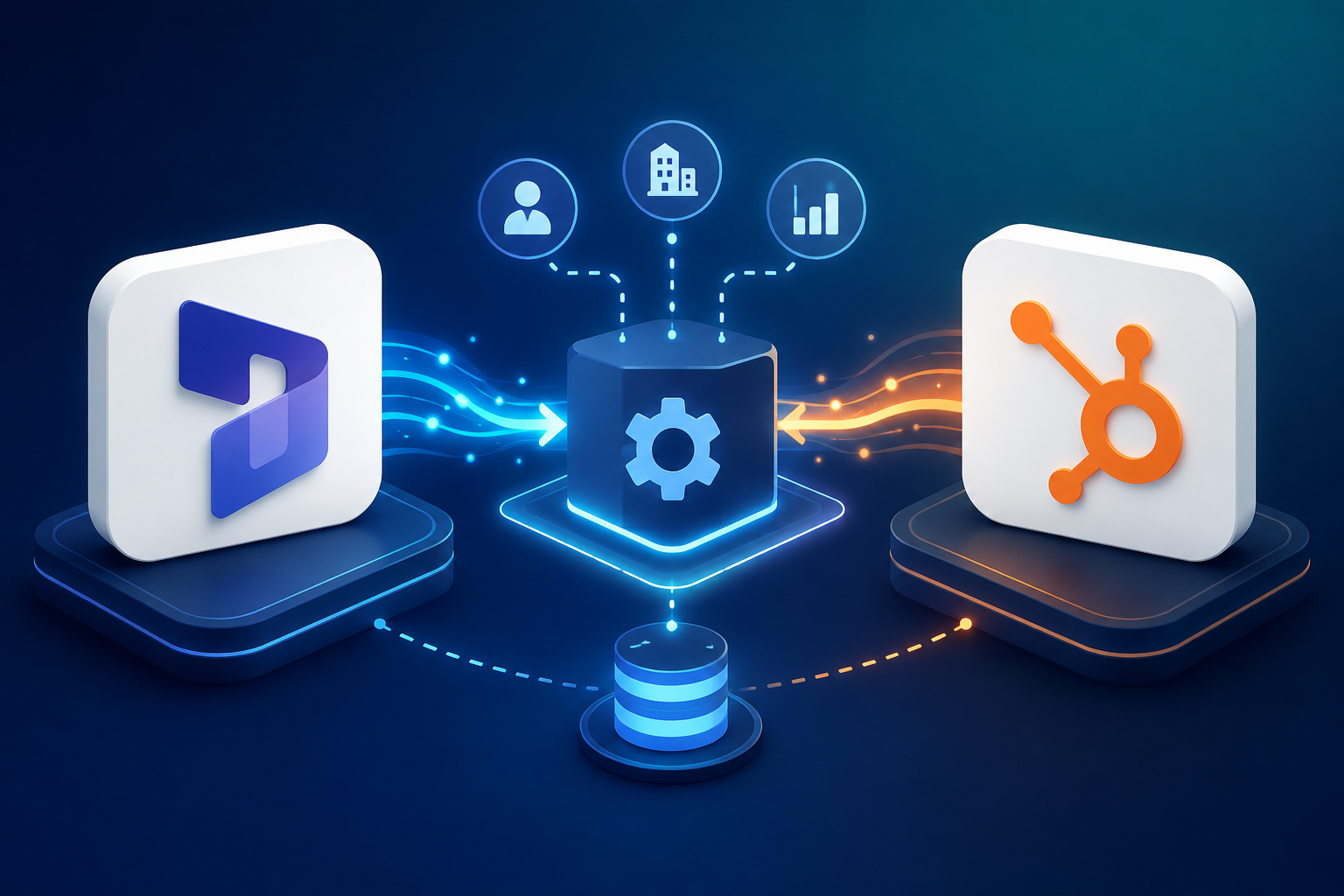
Scaling a HubSpot agency rarely breaks because of a lack of clients. It breaks because client knowledge lives in ten different places at once, and every new project starts with someone hunting for context instead of doing the work.
TL;DR
- Agencies lose client knowledge every day it sits scattered across HubSpot, email, Slack, meetings, and project tools instead of one connected system.
- A connected knowledge system links HubSpot CRM data, Notion documentation, and meeting records so nothing depends on one person's memory.
- AI becomes genuinely useful for agency delivery only when it can pull from real client context, not generic prompts.
- Meeting intelligence tools now capture decisions and commitments automatically, turning conversations into searchable knowledge.
- Agencies that connect their knowledge report handling more client accounts with the same headcount and stronger delivery consistency.
Why HubSpot Agencies Struggle to Scale Client Delivery Without Connected Knowledge
Every HubSpot agency reaches the same wall. Client information is spread across the CRM, inboxes, Slack threads, meeting recordings, and whatever project management tool the team happens to use that quarter. None of it talks to the others.
The cost of that fragmentation is well documented. Employees waste an average of 12 hours per week searching for information across disconnected systems, and information silos cost organizations an estimated 7.8 million dollars annually in lost productivity.[3] Separate research from McKinsey puts the number even higher, with knowledge workers spending 9.3 hours a week just searching and gathering information before they can start actual work.[4]
For an agency, that shows up in specific, painful ways:
- Account managers answering the same client questions repeatedly because the answer lives in someone's inbox, not a shared system.
- New hires spending weeks learning client context that a departed employee never wrote down.
- Senior consultants becoming the default answer to "what did the client say about this," which makes them a bottleneck instead of a multiplier.
- Knowledge disappearing entirely when an employee leaves, since institutional knowledge loss is estimated to cost companies 1.3 trillion dollars annually and the average knowledge worker only stays 4.1 years.[1]
Large companies lose an average of 47 million dollars a year in productivity from inefficient knowledge sharing alone, driven by workers spending roughly 5.3 hours a week waiting on information or recreating work that already existed somewhere.[2] Agencies feel a version of this every time a project handoff turns into a scavenger hunt.
What Is a Connected Knowledge System for a HubSpot Agency?
A connected knowledge system is not a bigger shared drive. It is a structure that links the CRM, documentation, meeting records, and internal SOPs so that any team member (or AI tool) can pull accurate context on a client without opening five different apps.
The difference between a document repository and a connected knowledge system comes down to relationships. A folder full of client PDFs is a repository. A system where the CRM record, the onboarding notes, the last three meeting summaries, and the current project status all reference each other and can be queried together is a knowledge system.
For a HubSpot agency, that typically means connecting:
- HubSpot CRM records (contacts, companies, deals, tickets)
- Notion or a similar workspace for SOPs, client hubs, and playbooks
- Meeting transcripts and summaries
- Client documentation and onboarding materials
- Email threads tied to specific accounts
- Project and delivery data
The goal is a single source of truth, but not a single tool. Agencies that try to force everything into one platform usually end up with a bloated system nobody wants to use. Connected knowledge means each tool keeps doing what it does best, while the links between them make the whole thing queryable.
How HubSpot Agencies Can Use Notion to Centralize Client Knowledge
Notion has moved well past being a notes app. Its 2026 developer platform added Workers, live database sync from external APIs, and an External Agent API that lets AI agents operate directly inside a workspace, which is exactly the kind of infrastructure agencies need for client knowledge.[13]
For a HubSpot agency, a practical Notion structure includes:
- Client-specific knowledge hubs that hold business context, brand guidelines, and preferences in one page.
- SOPs and implementation documentation so delivery work follows a repeatable process instead of individual memory.
- Meeting notes and decisions linked directly to the client hub rather than buried in a call recording.
- Project history that shows what has been tried, what worked, and what the client already rejected.
- Internal playbooks for common HubSpot delivery work like onboarding, audits, and migrations.
The key habit is linking pages instead of duplicating them. A client hub should reference the SOP, not copy it, so an update to the process only has to happen once. Notion AI in 2026 is increasingly positioned as an AI-native operating layer built specifically to reduce this kind of fragmentation across docs, databases, meetings, and connected apps.[14]
How AI Can Turn HubSpot Agency Knowledge Into Actionable Insights
AI becomes far more useful once it has real context to work with instead of generating generic content from a blank prompt. Once HubSpot data, Notion documentation, and meeting notes are connected, AI can be asked questions across all of it at once.
Practical use cases for a connected knowledge layer include:
- Asking "what are the biggest unresolved issues for this client" and getting an answer pulled from tickets, meeting notes, and recent emails together.
- Automatically summarizing meetings and surfacing decisions the moment a call ends.
- Extracting action items and assigning them without someone manually re-typing a task list.
- Generating an implementation recommendation based on what has already worked for similar clients.
- Surfacing important context proactively instead of requiring someone to remember to search for it.
The angle that matters most for agencies: AI output is only as good as the knowledge it can retrieve. A connected system is what turns AI from a content generator into a genuine delivery tool.
Connecting HubSpot CRM Data With Notion and AI for Smarter Client Delivery
HubSpot already holds a huge amount of client context in contacts, companies, deals, tickets, and activity timelines. The problem is that this data rarely gets combined with the operational knowledge sitting in Notion, email, and meeting tools.
Connecting HubSpot data with a knowledge layer lets an agency:
- Pull a client's deal stage, open tickets, and recent activity alongside their documented preferences and project history in one view.
- Generate a client status summary that blends CRM activity with meeting decisions and project milestones, instead of an account manager assembling it by hand.
- Flag accounts where CRM activity (a spike in tickets, a stalled deal) does not match what the documented account plan expected.
This is where a HubSpot agency's technical depth actually pays off. Most agencies can log activity in HubSpot. Fewer can connect that activity to the rest of the client's operational history so the CRM stops being a system of record and starts being a system of insight.
How AI-Powered Meeting Intelligence Helps HubSpot Agencies Capture Client Knowledge
Meetings are where most client knowledge is created and where most of it disappears. Employees forget roughly 50 percent of meeting content within an hour and 75 percent within a week, which means anything not captured in the moment is effectively lost.[6] That statistic alone explains why three out of four professionals now use an AI note-taker in their work meetings.[6]
Modern meeting intelligence tools go beyond a transcript. The better ones now:
- Automatically capture and transcribe client conversations without someone splitting attention between talking and typing.
- Extract decisions, commitments, and next steps rather than dumping a raw transcript on the team.
- Identify who owns each action item and, in some platforms, file it directly into project tools instead of leaving it as a bullet list.[5]
- Make historical conversations searchable, so "what did the client say about this three months ago" has an actual answer.
For a HubSpot agency, feeding meeting summaries into the same knowledge layer as CRM and Notion data closes a major gap. It means the context that used to live only in one account manager's head is now part of the searchable system.
Connected Knowledge vs Traditional Agency Documentation
| Aspect | Traditional documentation approach | Connected knowledge system |
|---|---|---|
| Where knowledge lives | Scattered across email, Slack, drives, and personal notes | Linked across HubSpot, Notion, and meeting records |
| How it is found | Manual search, asking a colleague, digging through folders | AI-assisted retrieval across connected sources |
| Onboarding impact | New hires learn by repeatedly interrupting senior staff | New hires self-serve from a structured, searchable system |
| Meeting knowledge | Notes taken manually, often incomplete or never revisited | Automatically captured, summarized, and linked to the client record |
| What happens when someone leaves | Context leaves with them | Context stays in the system, independent of any one person |
| Main risk | Knowledge loss, bottlenecked seniors, inconsistent delivery | Requires upfront structure and clear governance |
How to Implement an AI-Powered Knowledge System in a HubSpot Agency
Connecting knowledge is a process, not a single tool purchase. A practical rollout looks like this:
- Audit where client knowledge currently lives. List every tool that holds client context today, including the informal ones like personal notes.
- Identify repetitive delivery tasks. Onboarding, audits, and reporting are usually the biggest time sinks worth automating first.
- Create a standardized knowledge structure. Decide what a client hub looks like before building dozens of them inconsistently.
- Connect HubSpot and other data sources. Sync CRM data into the knowledge layer rather than manually copying it.
- Introduce AI-powered search and summarization. Start with one use case, like meeting notes or knowledge base Q&A, instead of rolling out everything at once.
- Automate knowledge capture. Meeting intelligence and CRM sync should feed the system without someone remembering to update it manually.
- Establish governance and permissions. Client data needs the same access controls in the knowledge layer that it has in HubSpot.
- Measure time saved and delivery efficiency. Track hours saved on onboarding, reporting, and meeting follow-up so the investment is visible.
How Connected Knowledge Helps HubSpot Agencies Scale Without Scaling Headcount
This is where connected knowledge turns into a commercial advantage, not just a tidiness project.
A 15-client agency that implements automation and connected knowledge correctly can realistically manage 25 to 30 clients with the same team, while improving net margin from the 20 to 25 percent range into the 40 to 50 percent range.[9] Agencies using AI for content and delivery work report 40 to 60 percent time reduction on first drafts, and AI-assisted production can move a strategist from managing 6 to 8 clients up to 15 to 20.[10] None of that comes from AI alone. It comes from AI having reliable, connected context to work from, which is the whole point of a knowledge system. A full agency automation stack can save a team 12 to 15 hours a week once workflows are actually connected instead of just adding another disconnected tool.[12]
The benefits compound in a few specific ways:
- More clients per delivery team, since account managers spend less time re-explaining context.
- Faster employee onboarding, with internal knowledge bases cutting onboarding time by as much as 67 percent in documented cases.[7]
- Less duplicated work, because the same answer does not get written from scratch by three different people.
- Reduced dependency on individual employees, which matters given that 39 percent of new hires currently have to figure out parts of their role independently.[8]
- Better consistency across accounts, since delivery follows a documented system rather than whoever happens to be handling the client that week.
Analysts expect this shift to accelerate. Gartner forecasts that task-specific AI agents will be embedded in roughly 40 percent of enterprise applications by the end of 2026, up from under 5 percent in 2025, alongside a more than fourteen-fold surge in enterprise interest in multi-agent systems.[11]
A Practical AI + Notion + HubSpot Architecture for Agency Operations
A simple way to picture the architecture:
Client conversations → Meeting intelligence → Notion knowledge layer → AI retrieval → HubSpot and delivery workflows
- Client conversations are the raw input, whether a discovery call, a QBR, or a support ticket thread.
- Meeting intelligence captures and structures that input automatically instead of relying on manual notes.
- The Notion knowledge layer stores structured, linked documentation that stays current as projects evolve.
- AI retrieval lets the team (or an agent) ask questions across all of it instead of searching tool by tool.
- HubSpot and delivery workflows are where the resulting work actually gets executed and tracked.
Common Mistakes HubSpot Agencies Make When Implementing AI Knowledge Systems
- Using AI without structured data. AI answers are only as reliable as the knowledge it can retrieve. Feed it chaos and it will confidently return chaos.
- Creating another disconnected silo. Adding a new tool that does not link back to HubSpot or the existing workspace just adds a sixth place to search.
- Automating before standardizing. Automating a broken onboarding process just makes the broken process faster.
- Ignoring permissions. Client data needs the same access controls in the knowledge layer that it has everywhere else, and 73 percent of businesses already cite privacy concerns as their top barrier to adopting AI meeting tools.[6]
- Failing to maintain knowledge. A knowledge system that is not updated becomes actively misleading rather than just outdated.
- Expecting AI to replace human judgment. AI can summarize, retrieve, and draft. Strategy and client relationships still need a person.
- Connecting too many tools without a clear architecture. More integrations without a plan just move the fragmentation problem rather than solving it.
The Future of HubSpot Agency Delivery Is Connected and AI-Powered
The direction is clear: AI agents working across business systems, context-aware client support, automated knowledge capture, and proactive identification of client issues before they become escalations. Agencies are gradually shifting from managing information to running intelligent operations, where the system surfaces what matters instead of waiting to be asked.
How Computan Helps HubSpot Agencies Build Connected, AI-Powered Operations
Computan works with HubSpot agencies, marketing teams, and growing businesses on exactly this kind of connected operations work, including HubSpot development and consulting, custom integrations, CRM automation, and workspace connections like Notion. If disconnected client knowledge and repetitive delivery work are limiting how many accounts your team can realistically carry, that is a good sign it is time for an assessment of where the gaps are and what to fix first.
As a Canadian company, Computan helps businesses across Canada, the US, UK, Australia, and other markets build smarter, more connected digital operations. Our expertise in HubSpot, AI integration, CRM automation, custom integrations, and RevOps allows us to connect the tools and knowledge agencies already rely on, so teams can spend less time searching for information and more time delivering value to clients. Whether it’s connecting HubSpot with Notion, automating knowledge capture, or building AI-powered workflows, Computan helps turn disconnected systems into a scalable client-delivery engine.
Sources
- Atlan: Institutional Knowledge Loss
- KS Agents: Employee Turnover Knowledge Loss
- Speakwise: Information Silos Statistics 2026
- Speakwise: Knowledge Management Statistics 2026
- Fellow: Best Tools for Automatic Meeting Notes 2026
- Jenova AI: AI Meeting Minutes
- Docuscry: Faster Employee Onboarding With an Internal Knowledge Base
- AIHR: Employee Onboarding Statistics and Trends 2026
- Enrich Labs: Marketing Automation for Agencies 2026 Playbook
- Shadow: How to Scale an Agency Without Adding Headcount
- Fountaincity: The Agentic Agency
- Taskip: Best AI Tools for Agencies 2026
- BetaNews: Notion Developer Platform for AI Agents
- Notion AI in 2026: From Workspace Tool to AI-Native Operating Layer
Frequently Asked Questions
What is a connected knowledge system for a HubSpot agency?
It is a structure that links HubSpot CRM data, Notion or workspace documentation, and meeting records so any team member or AI tool can retrieve accurate client context without searching multiple disconnected systems.
Do agencies need to replace HubSpot or Notion to build this?
No. Connected knowledge means linking existing tools rather than forcing everything into one platform. HubSpot stays the CRM system of record, and Notion or a similar tool holds documentation, with AI and integrations connecting the two.
How does AI actually help with client delivery?
AI becomes useful for delivery once it has real context to draw from, such as CRM activity, meeting notes, and documented client preferences. It can then summarize meetings, extract action items, answer client status questions, and generate recommendations grounded in real history instead of generic output.
Can connected knowledge really help an agency scale without hiring?
Yes, when it removes the repetitive work of re-explaining client context and re-writing the same answers. Agencies that automate delivery workflows and connect their knowledge report handling significantly more accounts with the same team size.
What is the biggest risk when implementing an AI knowledge system?
Feeding AI unstructured, inconsistent data, or connecting tools without clear permissions and governance. A knowledge system is only as reliable as the information behind it, and client data needs the same access controls it has everywhere else.
Where should an agency start?
Start with one high-friction workflow, such as meeting notes or client onboarding, rather than connecting every tool at once. Prove the value on one use case before expanding the architecture.