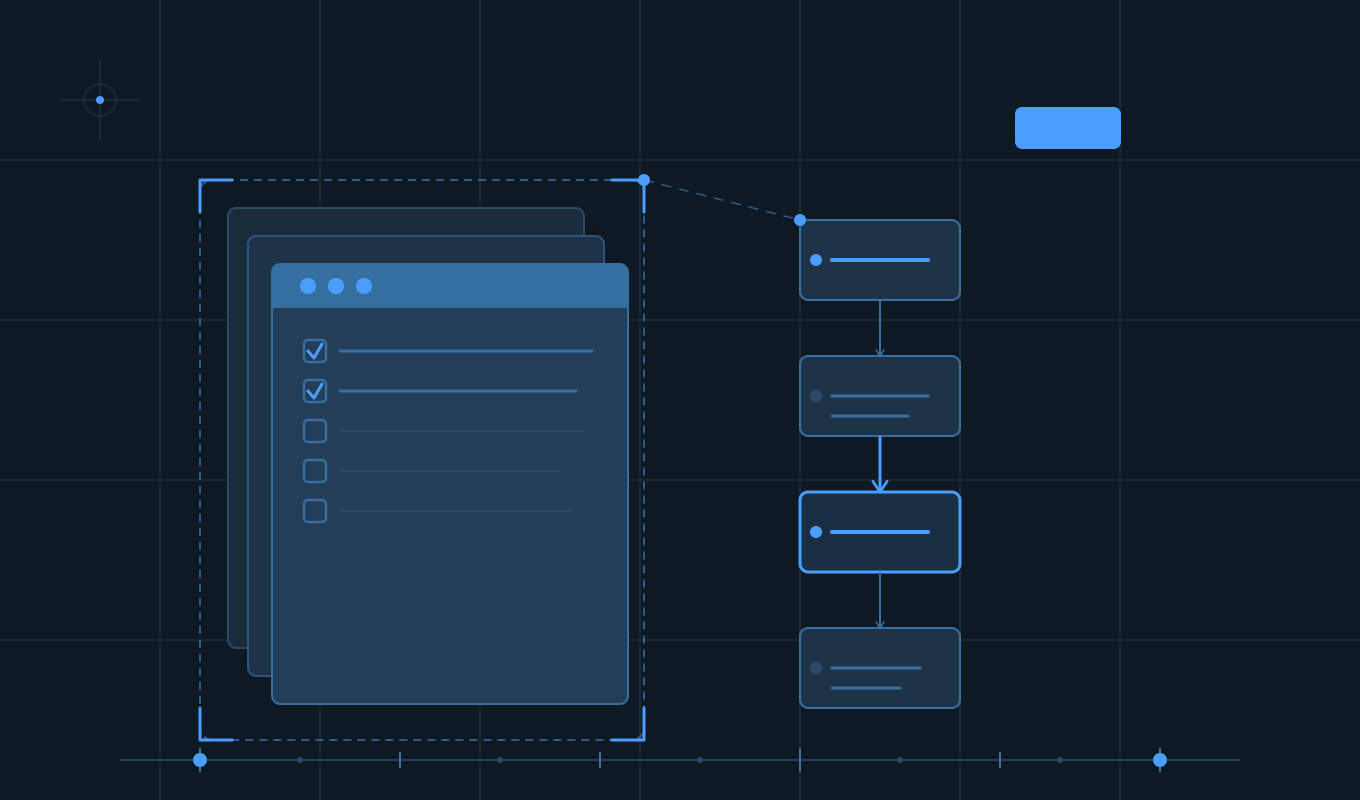
Running an agency website project without a checklist is like building a house without a blueprint. Everyone's moving fast, things get missed, and by the end someone's asking why the mobile menu doesn't work. This is that checklist every phase, every step, nothing left out.
TL;DR
- A website project lives or dies on what happens before a single line of code is written discovery and scoping are non-negotiable.
- Agencies that skip the technical pre-launch checklist consistently lose hours to avoidable QA surprises.
- Clear handoff documentation is what separates a one-time project from a long-term client relationship.
- Every phase discovery, design, development, pre-launch, and post-launch needs its own defined checklist to avoid scope creep and missed deliverables.[1]
- The checklist isn't bureaucracy. It's the thing that lets your team actually focus on creative work instead of plugging holes.
Agencies lose money and client trust on website projects in very predictable ways. A discovery call happens without the right questions. A scope gets signed before performance expectations are nailed down. The dev team starts building before content is confirmed. The site launches and the CMS handoff is... a Loom video from six weeks ago.
None of this has to happen. An agency website project checklist doesn't slow you down it speeds you up by removing the guesswork at every phase. Here's the complete one.[2]
Phase 1: Discovery & Scoping
This is where most agencies cut corners and where most projects unravel. Discovery is not a checkbox it's the foundation everything else is built on.[3]
- Define the project goal clearly: is this a full rebuild, a redesign, a new microsite, or a CMS migration?
- Conduct a structured discovery call: cover audience, competitors, goals, existing tech stack, and pain points.[3]
- Audit the existing website: traffic, top pages, SEO baseline, Core Web Vitals, accessibility, and broken links.
- Identify all stakeholders: who approves design, who approves copy, who has final launch authority?
- Confirm platform and CMS: WordPress, HubSpot CMS, Webflow, Shopify, or custom? No assumptions.
- Define the sitemap and page list: exact list of pages to be built, not a rough estimate.
- Confirm integrations upfront: CRM, email platform, analytics, chat, booking tools, and third-party APIs.
- Nail down content responsibilities: who writes it, who provides assets, and who reviews?[4]
- Set a realistic timeline: with milestones, payment triggers, and review windows baked in.
- Get a signed contract: with scope, revision limits, and what happens when requirements change.
Phase 2: Design
Design is where the project gets real for the client. It's also where scope creep loves to sneak in if you don't have a defined process for what "approved" actually means.[5]
- Create or receive a design brief: brand guidelines, approved fonts, color palette, logo files, and visual references.
- Wireframe key page templates: homepage, inner page, blog post, landing page, contact — before any high-fidelity design.
- Design in Figma (or agreed tool): desktop and mobile at minimum; tablet where required.
- Design a component library: buttons, forms, cards, navigation, footers, and modals as reusable elements.
- Get written design approval: email or signed-off document, not a Slack emoji.[5]
- Document revision rounds: when you're in round 3 and the contract says 2, that's a conversation to have now.
- Confirm accessibility requirements: contrast ratios, font sizes, and WCAG compliance level targeted.
- Prepare design handoff files for dev: annotated specs, exported assets, and interaction notes.
Phase 3: Development
Development is where the design becomes real and where anything that wasn't scoped properly will surface fast. A good dev checklist keeps the build clean, documented, and not dependent on tribal knowledge.[6]
- Set up a staging environment: all development happens off-production, full stop.
- Configure version control: Git repo with a clear branching strategy, even for smaller projects.
- Build reusable, modular code: no one-off hacks that become debt three months later.
- Implement responsive design faithfully: pixel-perfect at common breakpoints; test on real devices, not just chrome dev tools.
- Integrate all confirmed third-party tools: CRM, analytics, chat, forms, payment, API connections.[6]
- Implement on-page SEO foundations: page titles, meta descriptions, H1/H2 hierarchy, canonical tags, and robots.txt.
- Set up Google Analytics (GA4) and Tag Manager: with goal and conversion tracking configured.
- Optimize images at build time: WebP format, lazy loading, and appropriate dimensions. No 4MB hero images.
- Configure hosting, SSL, and caching: HTTPS is not optional. Neither is a caching layer.
- Internal testing of all functionality: forms, CTAs, navigation, video, and every integration before client review.
Phase 4: Content & QA
Half of all project delays come down to content — it arrives late, it's the wrong length, or it needs a rewrite after it's already been placed. Lock this down early.[7]
- Populate all pages with final, approved content: no Lorem Ipsum in staging when the client is reviewing.
- Proofread every page: typos in headers on a live site are embarrassing for everyone involved.
- Check all internal links: no broken links, no links pointing to the old domain or staging URL.
- Test all forms end-to-end: submit each form and confirm it reaches the right inbox or CRM pipeline.[7]
- Cross-browser testing: Chrome, Firefox, Safari, and Edge at minimum.
- Mobile device testing: on actual iOS and Android devices, not only browser emulation.
- Run a Lighthouse audit: performance, accessibility, best practices, and SEO scores reviewed and addressed.
- Accessibility check: alt text on all images, keyboard navigability, and ARIA labels where needed.
- Client UAT (User Acceptance Testing): documented sign-off on staging before launch is scheduled.
Phase 5: Pre-Launch
Pre-launch is not "a final look before going live." It is a structured process. The number of sites that go live with GA tracking pointed at the wrong property, or with noindex still on from staging, is higher than anyone would like to admit.[8]
- Remove noindex / robots.txt blocking: confirm search engines can crawl the live site.
- Set up 301 redirects: map every old URL to its new equivalent. No orphaned pages, no 404s on indexed URLs.[8]
- Configure www to non-www (or vice versa): pick one canonical URL pattern and redirect consistently.
- Update DNS and confirm propagation: allow for propagation time and have a rollback plan.
- Verify SSL certificate is active and auto-renewing: no security warnings on launch day.
- Confirm analytics tracking is live: hit the site in incognito and confirm GA4 is recording the session.
- Submit XML sitemap to Google Search Console
- Test all third-party integrations on the live URL: what works on staging sometimes doesn't on prod.
- Set up uptime monitoring: you want to know before the client does if something goes down.
- Take a full site backup before cutover
Phase 6: Launch & Post-Launch
Launch day is exciting. The week after launch is where you either look professional or start getting anxious Slack messages. Post-launch is a phase in its own right, not an afterthought.[2]
- Send the client a launch-day checklist: what they should verify on their end, in plain language.
- Monitor the site for 48–72 hours post-launch: check for crawl errors in Search Console, 404s, and form issues.
- Deliver CMS training: a recorded walkthrough, not just a link to documentation. Show them how to do the things they'll actually do.
- Hand over access credentials securely: no passwords in email. Use a proper credential-sharing tool.
- Deliver project documentation: hosting details, plugin list, integration documentation, and code repo access.
- Conduct a 30-day performance review: Core Web Vitals, traffic trends, and conversion rates against the pre-launch baseline.
- Send a project close-out summary: what was delivered, what was changed from original scope, and what's recommended next.
- Ask for a review or testimonial: while the win is fresh.
What Goes Wrong and When
Most agency website project problems aren't random. They cluster in predictable places. Here's where the pain usually comes from and how the checklist prevents it.
| Phase | Common failure point | Checklist fix |
|---|---|---|
| Discovery | Scope creep from undefined requirements | Signed scope doc, exact page list, integration audit |
| Design | Endless revision cycles with no end in sight | Defined revision rounds in contract, written approvals |
| Development | Content delays that stall the whole build | Content delivery date locked in before dev starts |
| QA | Bugs found after client sees it, not before | Internal QA before every client demo or handoff |
| Pre-Launch | SEO damage from missing 301 redirects | Redirect map built in discovery, verified before cutover |
| Post-Launch | Client feels abandoned after go-live | 30-day review, documented handoff, CMS training |
The pattern is consistent. Agencies that have a defined process, and actually follow it, retain clients longer, deliver faster, and run more profitable projects.[1] The ones without a process aren't doing creative, free-form work. They're just improvising under pressure, which costs everyone.
Putting It All Together
A complete agency website project checklist isn't a sign of a rigid, slow team. It's the opposite, it's what allows a fast team to move fast without leaving things behind. Discovery, design, development, content, pre-launch, and post-launch all have distinct requirements, distinct failure modes, and distinct moments where someone needs to confirm "yes, this is done."
Use this checklist as your baseline. Adjust it for your specific stack and process. Add items that have burned you in the past. Share it with your team and your clients. The goal isn't to fill in boxes, it's to ship projects that you're proud of, that clients rave about, and that don't pull your dev team into fire drills at 11 PM the night before launch.
Sources
- Function Point: Project Management Checklist for the Modern Agency
- GoDaddy: Checklist for Better Website Project Management
- Crustlab: The Ultimate Web Development Checklist
- Marketing Media: Web Design Checklist — What Clients Should Provide
- Beewits: Ultimate Web Design Checklist — 128 Tasks
- Smashing Magazine: 45 Incredibly Useful Web Design Checklists
- GoDaddy: Website Project Management — QA Steps
- Crustlab: Pre-Launch Website Checklist Essentials