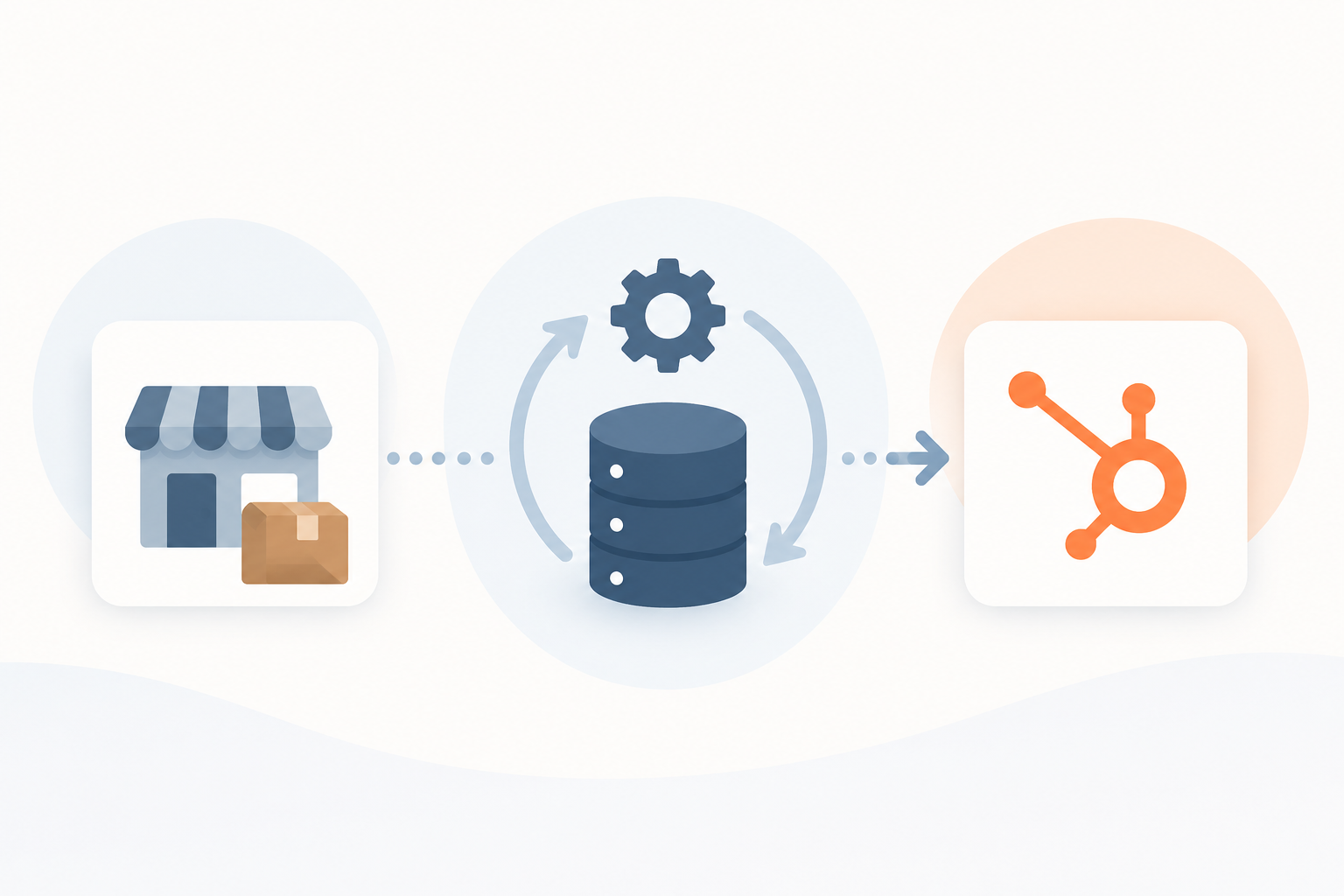
WordPress still powers more websites than any other platform, and for a lot of businesses it remains a perfectly good fit. But flexibility has a cost, and that cost usually shows up as plugin conflicts, outdated PHP versions, and a growing dependence on developers just to update a page. HubSpot CMS has emerged as the alternative many growing businesses are considering, not because WordPress is "bad," but because a managed, marketing-connected platform solves a different set of problems. The right choice depends on where your business is today, not on which platform wins a feature checklist.
TL;DR
- WordPress and HubSpot CMS solve different problems. WordPress gives you control and flexibility. HubSpot CMS gives you a managed, marketing-connected platform with no infrastructure to maintain.
- The clearest signs a WordPress site has outgrown itself are recurring plugin conflicts, hosting limitations, and a team that cannot make a content change without a developer.
- HubSpot's Canadian data center in Montreal is a genuine differentiator for Canadian businesses with PIPEDA or industry-specific data residency requirements.
- A WordPress to HubSpot migration does not have to cost you SEO rankings if URL mapping, 301 redirects, and metadata are handled properly.
- HubSpot CMS is not automatically faster or more secure than WordPress. Good development practices and configuration still matter on either platform.
1. WordPress vs. HubSpot CMS: What's the Difference for Growing Businesses?
The fundamental difference comes down to who manages what. WordPress is open-source software, which means you are responsible for hosting, plugins, updates, security, and every integration you bolt on. HubSpot CMS is a fully hosted environment where the website, forms, meetings, live chat, and CRM all live inside one ecosystem[1].
WordPress tends to suit businesses that need highly custom functionality or already have strong internal development resources. HubSpot CMS tends to suit growing businesses that want their website to double as a lead generation and CRM tool, without a standing developer relationship just to keep the lights on[1].
2. Is Your WordPress Website Becoming Too Difficult to Maintain?
Most businesses do not decide to leave WordPress because of one big problem. It is usually a slow accumulation of small ones:
- Plugin conflicts that break after routine updates
- Outdated PHP versions that block new plugin releases
- Broken forms or integrations that quietly stop working
- Hosting limitations that cap traffic or storage
- Security updates that pile up faster than anyone applies them
- Dependence on developers for routine content changes
- Multiple disconnected systems (CRM, forms, analytics) that all need separate maintenance
A well-maintained WordPress site on solid managed hosting can absolutely stay secure and stable. The risk usually sits in the maintenance gap, not in the platform itself[2].
3. When WordPress Website Maintenance Costs More Than It Should
WordPress core software is free, but the real cost shows up in hosting, plugin licenses, developer retainers, and the hours spent troubleshooting compatibility issues after every update. Industry estimates put owner-managed WordPress upkeep at roughly 24 to 48 hours a year, on top of a maintenance retainer for anything business-grade[2]. Add up managed hosting, premium plugin renewals, and a developer or agency retainer, and a properly maintained small business WordPress site realistically runs $1,500 to $3,500 a year before anything breaks.
We have seen this pattern firsthand: a client's WordPress installation reached the point where plugin conflicts, broken form integrations, and an aging PHP version made rebuilding on a new platform more practical than continuing to patch the old one.
4. Is HubSpot CMS More Secure Than WordPress for Business Websites?
HubSpot CMS includes managed hosting, so there is no separate server infrastructure or hosting provider to coordinate with. The platform bundles SSL, a web application firewall, DDoS protection, and continuous security monitoring, and it handles those updates on its own schedule rather than relying on your team to apply them[3]. Reduced reliance on third-party plugins also means fewer entry points for the kind of vulnerabilities that hit WordPress sites running dozens of plugins[4].
That said, CMS security features do not automatically make a business compliant. Configuration and your own organization's practices still matter, whichever platform you choose.
5. How HubSpot CMS Can Help Businesses Meet Canadian Data Residency Requirements
This is one of the more concrete differentiators for Canadian businesses, especially those serving regulated industries. In February 2025, HubSpot launched three new regional data centers, including one in Montreal, giving Canadian businesses a way to keep account data within Canada[5].
PIPEDA does not impose a blanket rule that all personal information must physically stay in Canada, but it does require organizations to maintain comparable protection wherever that data is processed, and the organization remains accountable regardless of where a vendor is based[6]. For businesses in banking, insurance, or other regulated sectors, choosing HubSpot's Canadian data center at account setup is a straightforward way to reduce cross-border data questions during a compliance audit. Platform configuration and your own compliance obligations still apply on top of that.
6. WordPress vs. HubSpot CMS for Bilingual English-French Websites
Serving both English and French visitors well means more than running a page through a translation plugin. HubSpot automatically implements hreflang tags across language variants and updates the XML sitemap accordingly, so search engines know which version to serve to which audience[9].
The stronger approach for a bilingual site is fully separate, controlled content for each language rather than automatic translation, connected by a language switcher in the header and validated hreflang annotations across every page[10]. That includes bilingual forms, navigation, and system-level labels, not just the visible page copy.
7. How to Migrate a WordPress Website to HubSpot Without Losing SEO
Migration anxiety is one of the biggest reasons businesses delay a platform switch, and it is a reasonable concern if the project is not sequenced properly. The good news: a 301 redirect from every old WordPress URL to its new HubSpot equivalent is what actually protects your SEO equity during a migration, and it is the single most important step in the process[7].
A well-run migration typically covers:
- A full URL audit and redirect map before any development begins
- 301 redirects for every changed URL, tested before launch
- Preserved canonical URLs, metadata, and Open Graph tags
- An updated XML sitemap submitted to Google Search Console at launch
- Semantic HTML and clean heading structure carried over into the new templates
- A monitoring period after launch to catch and fix anything that slipped through
Most well-executed migrations see ranking fluctuations settle within a few weeks, with traffic returning to baseline once search engines finish re-crawling the redirected URLs[8].
8. Can HubSpot CMS Improve Website Performance and Core Web Vitals?
Website performance affects both user experience and search visibility, and Google factors Core Web Vitals into how it ranks pages. HubSpot's built-in SEO tooling uses Google Lighthouse to automatically scan pages and flag ones that fall short on Largest Contentful Paint, Cumulative Layout Shift, and interaction responsiveness[11].
Migrating platforms alone does not make a website fast. Reasonable performance targets, like keeping homepage Largest Contentful Paint under 1.5 seconds and Cumulative Layout Shift under 0.1 across templates, still depend on disciplined development practices: compressed images, lazy loading, and restraint on third-party scripts and embeds[12]. A target of Google Lighthouse 90+ and a "Good" Core Web Vitals rating is realistic on HubSpot CMS, but it is earned through good development, not inherited automatically from the platform.
9. Why HubSpot CMS Makes Website Management Easier for Marketing Teams
For internal marketing teams, the day-to-day difference is often the deciding factor. HubSpot's drag-and-drop editor lets non-technical users update pages, banners, and blog posts without touching code or waiting on a developer[13]. That includes native version control, content drafting, and scheduling built directly into the CMS, so a page update or blog post can be prepared, previewed, and scheduled for future publication.
This is squarely aimed at marketing teams who need autonomy to run campaigns and keep a site current without a developer bottleneck in between[14].
10. WordPress vs. HubSpot CMS for Lead Generation and Marketing
WordPress can absolutely support lead generation, but it usually requires stitching together separate plugins and tools for forms, chat, meeting scheduling, and CRM syncing. HubSpot CMS treats those as one connected system: lead capture forms, live chat, meeting scheduling, and CRM data all live in the same platform, so a form submission becomes a CRM contact instantly rather than sitting in a plugin's export queue[14].
For B2B businesses running demo requests, resource downloads, or gated content, that connected visitor-to-lead journey is often the strongest argument for HubSpot CMS over a WordPress plus plugin stack.
11. When Should You Stay With WordPress Instead of Switching to HubSpot?
HubSpot CMS is not the right answer for everyone, and it is worth saying so plainly. Stay with WordPress if:
- You need highly customized functionality that WordPress plugins handle well
- Your current site is stable, fast, and easy to maintain
- You have reliable, ongoing technical resources managing it
- Your marketing stack does not depend on a connected CRM
- The cost and effort of migration outweigh the benefits for your situation
HubSpot becomes more compelling once maintenance, security, compliance, or marketing requirements start to outgrow what your current WordPress setup can reasonably support.
12. 7 Signs It's Time to Migrate From WordPress to HubSpot CMS
- Your website has recurring plugin conflicts
- Your hosting creates real limitations on traffic or performance
- Security and compliance requirements have increased
- Marketing depends heavily on developers for routine updates
- Your forms and integrations keep breaking
- You need better CRM and marketing integration
- You are planning a major website redesign anyway
If two or three of these sound familiar, it is worth at least scoping what a migration would look like.
13. What to Consider Before Migrating From WordPress to HubSpot
A successful migration plan covers more than moving pages. Before starting, map out:
- Website size and total page count
- Content migration, including blog posts and media
- URL structure and redirect mapping
- SEO preservation (metadata, canonical URLs, sitemap)
- Integrations and forms that need to be rebuilt natively
- Multilingual requirements, if applicable
- Data residency needs
- Accessibility targets (commonly WCAG 2.1 Level AA)
- Performance targets for launch
- CMS training for the team that will manage the site day to day
- DNS and launch planning
- Post-launch support window
Treating this as a migration plan, not a rebuild-and-hope project, is what keeps a platform switch from becoming a step backward.
WordPress vs. HubSpot CMS at a Glance
| Factor | WordPress | HubSpot CMS |
|---|---|---|
| Hosting and infrastructure | Self-managed or third-party hosting | Fully managed, included in the platform |
| Security and updates | Manual plugin, theme, and core updates | Built-in SSL, WAF, DDoS protection, continuous monitoring |
| Content editing | Depends on theme and page builder | Native drag-and-drop editor, no developer required |
| CRM integration | Requires third-party plugins or connectors | Native, same platform as the CRM |
| Multilingual support | Plugin-dependent | Native hreflang and language variant management |
| Data residency (Canada) | Depends entirely on chosen host | Canadian data center available (Montreal) |
| Customization ceiling | High, via plugins and custom code | Moderate, via HubL and custom modules |
Conclusion: Is It Time to Make the Switch?
Don't switch because WordPress is bad. Switch when your website's maintenance, security, compliance, marketing, and operational requirements have outgrown your current setup. For organizations that want a managed CMS, marketing tools, lead capture, and a CRM all working together in one environment, HubSpot CMS is worth serious consideration.
Thinking about moving from WordPress to HubSpot?
A website migration should protect your SEO, preserve important content, improve performance, and give your team a better way to manage the site.
Computan is a Canadian-based digital services company helping businesses build, modernize, and optimize their digital presence. We work with clients across Canada, the United States, the United Kingdom, Australia, and other markets worldwide, delivering services across HubSpot CMS, website development, CRM, RevOps, SEO, and digital marketing.
Frequently Asked Questions
Is HubSpot CMS more expensive than WordPress?
Not necessarily, once you account for total cost of ownership. WordPress looks cheaper up front, but managed hosting, premium plugins, and a developer retainer often add up to a similar range as a HubSpot CMS subscription, which bundles hosting, security, forms, and basic CRM into one price.
Will I lose my search rankings if I migrate from WordPress to HubSpot?
Not if the migration is planned properly. A complete URL audit, 301 redirects for every changed page, and preserved metadata are what protect your rankings. Most well-executed migrations see any ranking fluctuation settle within a few weeks.
Does HubSpot CMS support bilingual English and French websites?
Yes. HubSpot supports fully separate, controlled content for each language, automatic hreflang tagging, a language switcher, and bilingual forms, which is different from relying on automatic translation.
How does HubSpot CMS help with Canadian data residency requirements?
HubSpot's Montreal data center allows Canadian businesses to keep account data within Canada, which supports PIPEDA alignment and can help satisfy audit requirements from regulated industry clients. Your organization's own compliance obligations still apply on top of the platform.
Can my marketing team manage a HubSpot CMS website without a developer?
Yes, for the majority of day-to-day updates. HubSpot's drag-and-drop editor lets marketers update pages, banners, and blog posts without code. Larger structural changes or custom modules still benefit from developer support.
Should every WordPress site migrate to HubSpot?
No. If your WordPress site is stable, well-maintained, and supported by reliable technical resources, there may be no compelling reason to switch. HubSpot becomes more attractive once maintenance, compliance, or marketing needs outgrow the current setup.
Sources:
- Smith Digital: HubSpot vs WordPress CMS, Features, SEO, Security & AI
- SpotDev: HubSpot CMS vs WordPress for B2B
- Media Junction: HubSpot vs. WordPress, Pros, Cons, and Key Differences
- INSIDEA: HubSpot vs WordPress, Which CMS Should You Choose?
- Huble: HubSpot Launches Three New Data Centres
- Western IT: Canadian Data Residency, What It Means For Your Business
- SmartBug Media: Migrating Your Website from WordPress to HubSpot
- OneMetric: WordPress to HubSpot Migration, The Complete Step-by-Step Guide
- Blend B2B: HubSpot Multi-Lingual Websites Explained
- Pixcell: The Smart Way to Manage Multilingual Content in HubSpot CMS
- HubSpot: How HubSpot Helps Users Prepare for Google's Core Web Vitals
- The Web Plant: How to Optimize HubSpot Content Hub Pages for Performance
- Blend B2B: Using HubSpot as a CMS, A Complete Guide
- CMS Knowledge Base: HubSpot CMS Hub, The Marketer-First Content Platform